
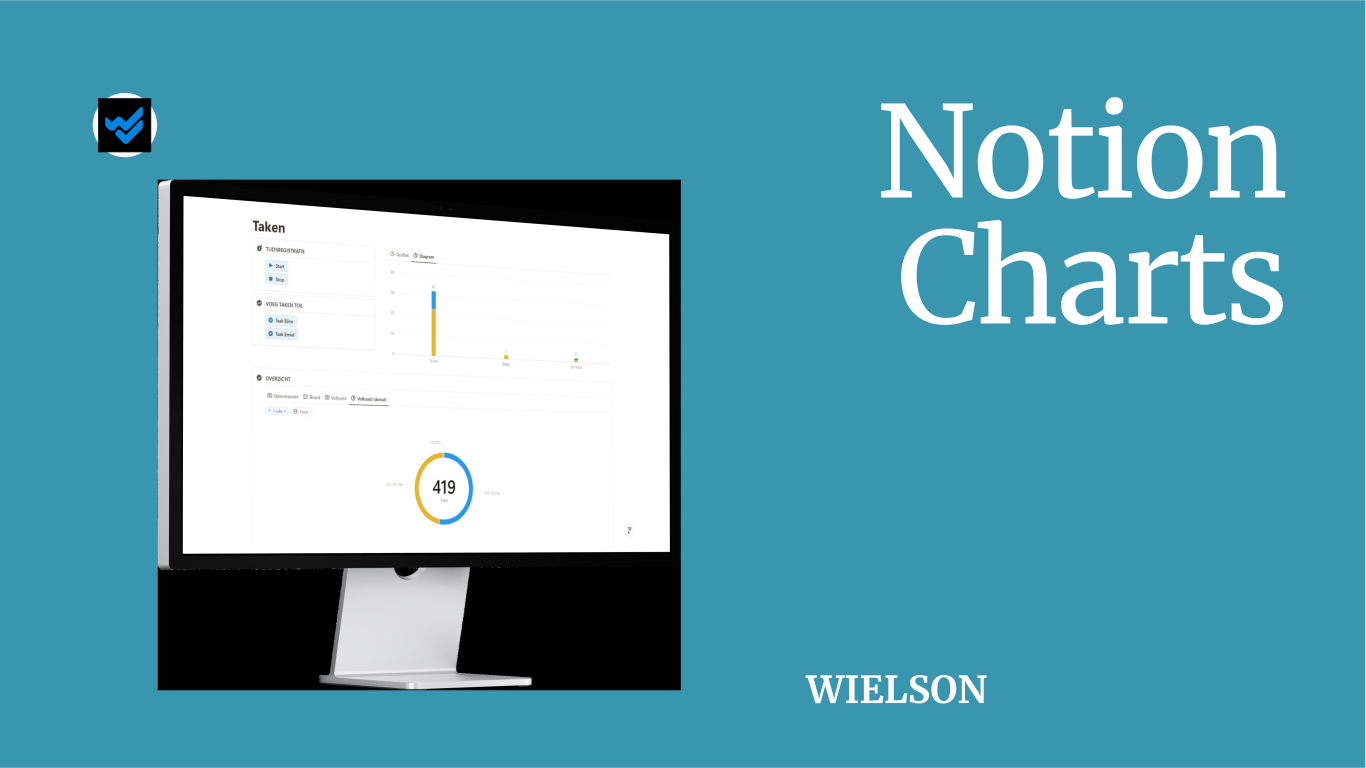
Since August, Notion has allowed users to easily convert database* data into charts. This makes visualising information, such as the progress of a project, much simpler.
How to Create a Chart in Notion
Follow these steps to create a chart:
- Step 1: Type
/chartto open the chart menu. - Step 2: Select the type of chart you want to create.
- Step 3: Link an existing database to the chart or create a new one.
- Step 4: Customise the data and appearance of the chart as desired.
You can also add a chart view to an existing database*. This works similarly to selecting other view types, such as calendar, for a database.
Chart Options
Notion offers the following chart types to choose from:
- Bar Chart (both vertical and horizontal): Ideal for comparing categories.
- Line Chart: Suitable for visualising trends over time.
- Donut Chart: Perfect for displaying proportions or percentages.
Customising Charts
You can select which data to display and in what order. While colours, such as those for status, are automatically adopted, you have the option to choose different colour combinations. Additionally, you can adjust the chart's height, add or remove a legend, and choose whether to show data labels.


Free vs. Paid Plans
With the paid version of Notion, you can create unlimited charts. You can share them online or save them as an image for a presentation, for instance. If you're using the free version, you can only create one chart, but you can save it as an image and then create a new chart.
Conclusion
Notion Charts is a powerful new feature that allows you to easily visualise and share data with colleagues or clients. Try out different types of charts and adjust the options and data to see which chart best represents your information.
*Called ‘data source’ per 03/09/2025 .