
Scattered to-do lists everywhere? Deadlines slipping through the cracks? No idea how much time you're spending on tasks?
With a well-structured task database* in Notion, you can take control of your work. In this article, we’ll show you how. Ideal for freelancers and teams using Notion as their project hub.
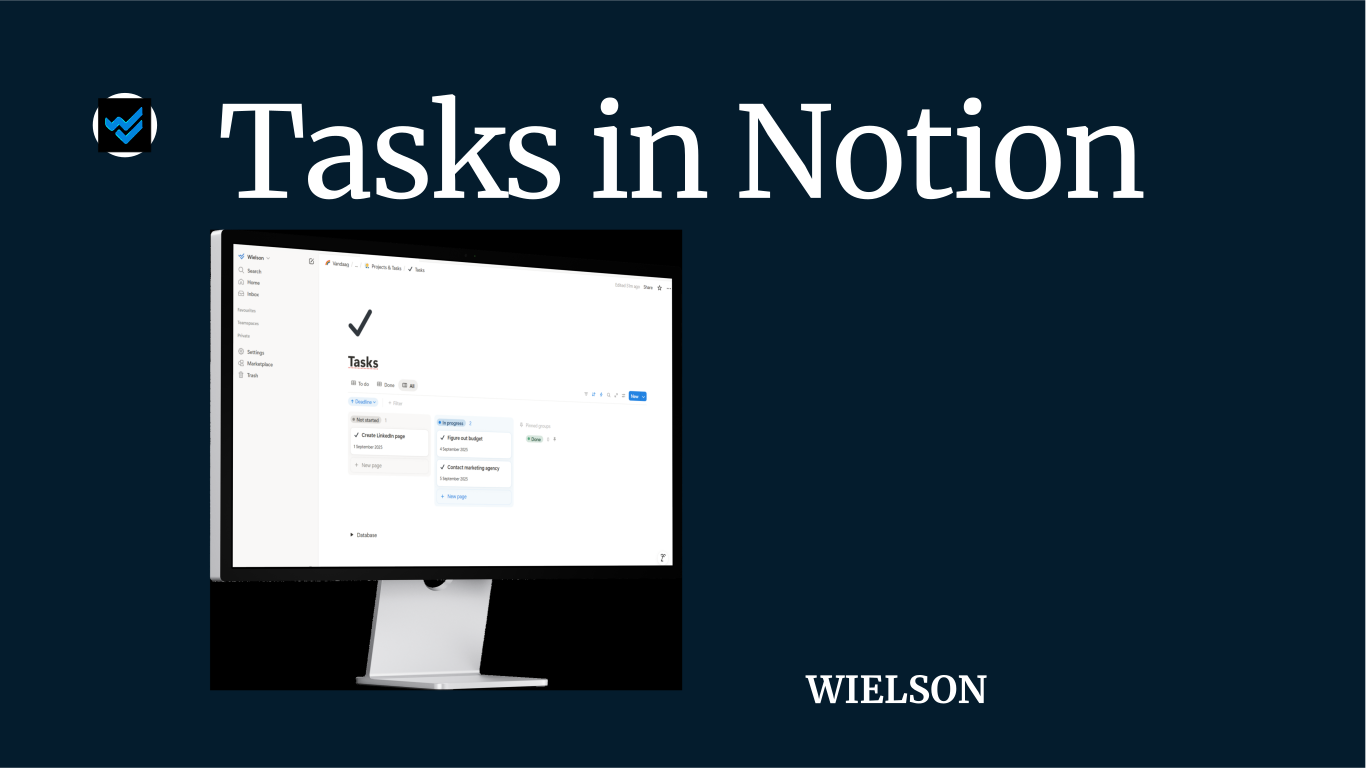
In the video below, we walk you through building a task database* step by step.
1. Create a task page and database
- Start a new page and give it a clear name, e.g. ‘Tasks’
- Add a database* to the page and give it a name
- Add the necessary properties:
- Deadline (date field)
- Status
- Responsible (person field)
- Project (select)
- Client (select)
2. Create a database template
- Add a template within your task database
- Set the following default values:
- A title and an icon
- Date = today
- Responsible = yourself
- Optional checklist in the body (content) of the page
3. Create three views with filters and sorting
- To Do
- Filter: Status is not
Done - Sort: Deadline ascending
- Done
- Filter: Status is
Done - Sort: Deadline descending
- All
- Choose a board view
- Group by status for a clear visual overview
- Hide the Done status, but keep it pinned so you can easily drag tasks
Tips
Link your task database to your projects and clients databases. That way, you can instantly see which tasks belong to which project or which client you’re doing the most work for.
Use Notion automations (available in paid plans) to handle repetitive work. Think: auto-create monthly tasks or send an email when a status changes.
Buttons can speed up manual actions: add a task (for yourself or a teammate), change the status of a task, log time, and more.
Keep it simple (KISS). Use linked views and hide properties you don’t need at all times.
Want more videos and templates? You’ll find them here. Got a question or want help optimising your Notion workspace? Contact us!
*Called ‘data source’ per 03/09/2025 .