
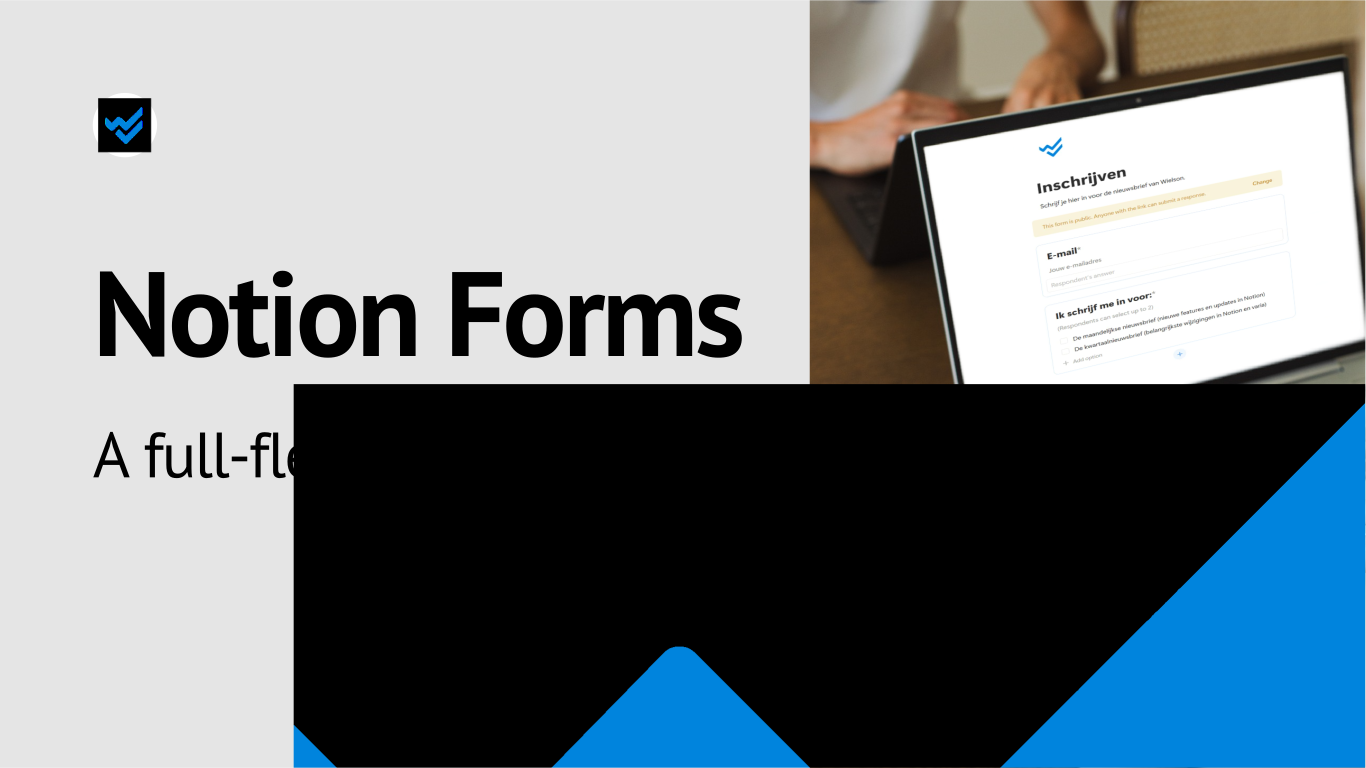
With Notion Forms, you can create forms directly in Notion and automatically collect responses in a database. This is useful for customer feedback, IT queries or general internal requests. Each response immediately appears as a new page in the linked database, making it easy to filter, sort and analyse the results.
What is a Notion Form?
A Notion Form is a form view of a database. Some advantages include:
- responses are immediately stored in a structured format in Notion;
- you can visualise the results using charts;
- you can apply Notion Automations to new submissions.
One database, multiple forms
You can link multiple forms to the same database. This allows you to work with one central request database for different teams or purposes.
For example, a form for technical bugs might ask about the priority of the request and send it to the IT team, while an ideas form for events could be forwarded to the marketing team.
Creating and sharing a form
There are two ways to create a Notion Form:
- You can create a new form and build your database from there.
- You can start from an existing database. In that case, you create a form view based on the existing properties.

/form, you create a form and a database.
A form can remain private, be shared within your workspace or be shared publicly. The available options depend on your access permissions for the underlying database and your Notion plan. To change a form’s sharing settings, you need Full access to the database.

No access can be useful if you use a form for a journal database.What happens after someone submits a form?
Each submission is automatically stored as a new page in the corresponding Notion database.

It is possible to receive a copy of the responses by email. If you want to view or edit responses in the Notion database, you will need both a Notion account and sufficient access permissions.

Because all responses are stored directly in a database, you can use Notion’s standard database features to process the results.
A kanban view, for example, can display requests based on priority.

Using a chart, you can quickly see how many submissions relate to:
- bugs;
- feature requests;
- other categories.
Form responses are regular database items, so you can also apply Notion Automations to them. For example, an IT request with the priority ‘Urgent’ could automatically be given a stricter deadline and trigger a notification for the person responsible in the relevant team.
Limitations
The drawbacks of forms in Notion include:
- conditional logic is only available from the Business plan onwards;
- customisation options are limited;
- with a very large number of submissions, the underlying database may load more slowly.
If you need more advanced functionality, it may be worth looking at external tools such as Tally.
Conclusion
Notion Forms is particularly useful when processing responses in Notion is more important than the complexity of the form itself.
For simple feedback forms, internal requests or intake forms, it can be a practical solution. Your information is stored in the right place immediately and can be processed straight away. Combined with filters, charts and automations, a simple form submission can become part of an operational workflow.
If you need features such as conditional logic, hidden fields or customised design, we recommend using a specialised tool such as Tally.