
Tired of scattered Excel files with 25 tabs and formulas no one understands? Beyond project and client management, Notion is also a brilliant tool for sharing insights quickly and clearly – without wasting time on VLOOKUPS, VBA, or confusing pivot tables.
Why report in Notion?
- Always up to date: Your data lives in a central database – no more copy-pasting numbers.
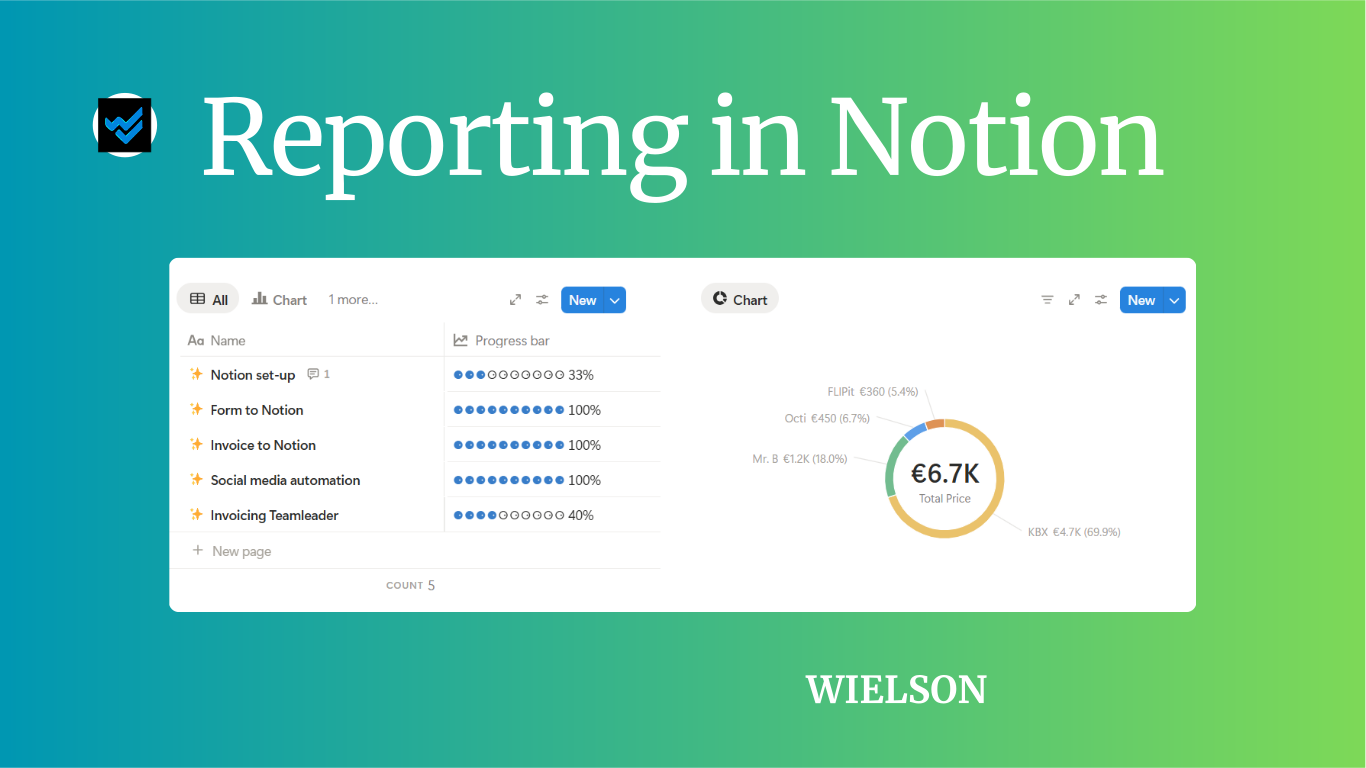
- Clear and visual: Easily filter, sort, and view data with progress bars and charts.
- All-in-one: No more files scattered across folders – everything stays in one workspace.
- Accessible to the whole team: No Excel skills needed, and no more version conflicts when multiple people are editing.
- Automation-ready: Connect with Make to automatically update your reports from tools like Teamleader or your webshop.
How to report in Notion
We’ll walk through five steps using a simple project database* as an example.
1. Structured database
Your report is only as strong as your data. Start with a clear, well-organised database* with defined properties.

2. Filters and views
Set up different views of your data:
- a monthly overview filtered by date
- a status report showing a bar chart per team member
- a priority list based on tags or scores

3. Visualise your data
Use formulas, rollups, and charts to make your data speak.

4. Share your data
Check your permissions and publish the result (chart or table) to your team dashboard. No extra meetings or exports needed, everyone stays aligned.
5. Automate your updates
Link Notion with Make to feed data automatically from other tools, such as:
- project updates from your planning tool
- alerts when a project’s planned end date is approaching
- monthly reminders for team members about their active projects
Notion AI Agent
Dashboard


Conclusion
Reporting doesn’t have to be complicated. By using Notion smartly, you build a system that gives you clarity, saves time, reduces errors, and encourages teamwork. Where Excel feels static and isolated, Notion works dynamically and with your team.
With Notion AI, you can summarise your information and find what you need, faster.
Want help improving your dashboard or setting one up from scratch? Send us an email or book a ‘15 chat with us.
*Called ‘data source’ per 03/09/2025 .